PlayNoDownload
PlayNoDownload
Geometry Vibes 3D
1
Geometry Vibes 3D
PuzzleRHM Interactive1 plays
Similar Games
Puzzle→Description
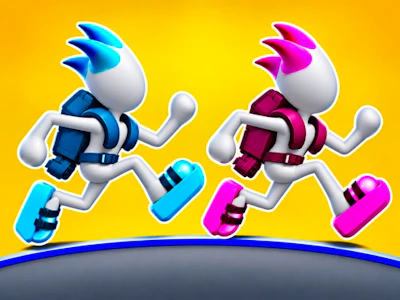
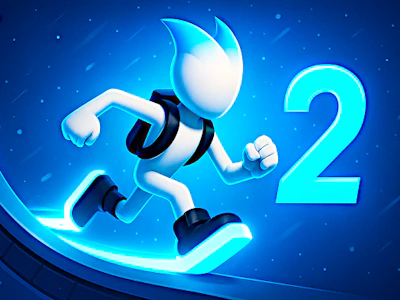
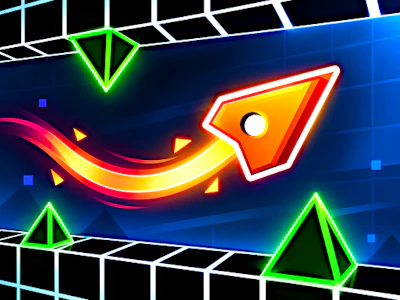
Geometry Vibes 3D takes everything you loved about the original Geometry Vibes and brings it into a vibrant, dynamic 3D world . With fully reimagined levels and stunning new visuals, this version elevates your reflexes and rhythm-based skills to new dimensions.
Attributes
- Release Date
- Unknown
- Language
- English
- Technology
- HTML5
- Players
- 2
Platforms
PCMobileWeb Browser
Kids Friendly
Instructions
How to Play Geometry Vibes 3D? · Player 1: W, Left Mouse Click, or Spacebar. · Player 2 (in 2 Player Mode): Up Arrow Key. · Mobile Devices: Tap anywhere on the screen to jump – touch controls are fully supported.
Frequently Asked Questions
How to play Geometry Vibes 3D?
Geometry Vibes 3D is a puzzle game that can be played directly in your browser. Simply wait for the game to load, then follow the on-screen instructions to start playing. Most games use keyboard arrows and spacebar or mouse controls.
Is Geometry Vibes 3D free to play?
Yes, all games on PlayNoDownload are completely free to play. There are no hidden fees or subscriptions required.
Can I save my game progress?
Most browser games automatically save your progress using local storage in your browser. For the best experience, we recommend playing on the same device and browser to maintain your progress.