PlayNoDownload
PlayNoDownload
Zombie Mission
1
Zombie Mission
PuzzleRHM Interactive1 plays
Similar Games
Puzzle→Description
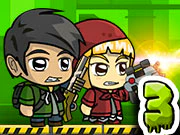
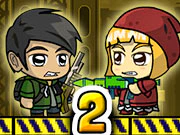
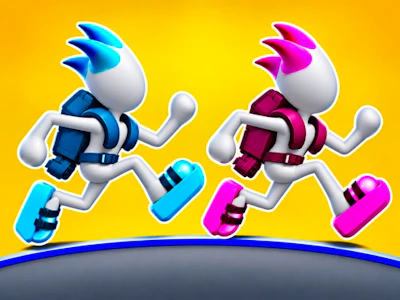
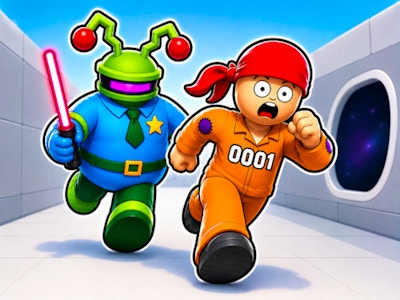
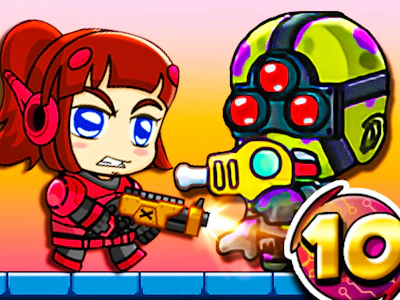
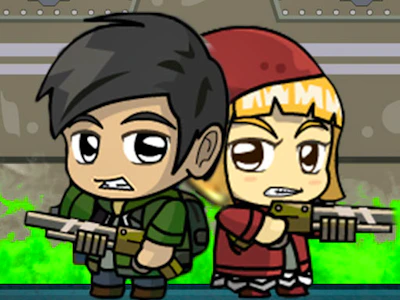
We need to save the very important records from the hands of the zombies for humanity. To do this, you should cooperate with your friend and should collect the disks which are protected. It is going to be harder to collect the disks on each level. Remember to use powerful guns to complete the missions! Game controls: · Player 1: · Move: "W, A, S, D" · Hit: "F" · Jump: "W"(Walk on wall) · Swift gun: "Q" Player 2: · Move: "ARROW KEYS" · Hit: "L" · Granade: "K" · Jump: "UP ARROW KEY" (Walk on the wall)
Attributes
- Release Date
- Unknown
- Language
- English
- Technology
- HTML5
- Players
- 2
Platforms
PCMobileWeb Browser
Kids Friendly
Instructions
· Player 1: · Move: "W, A, S, D" · Hit: "F" · Jump: "W"(Walk on wall) · Swift gun: "Q"
Frequently Asked Questions
How to play Zombie Mission?
Zombie Mission is a puzzle game that can be played directly in your browser. Simply wait for the game to load, then follow the on-screen instructions to start playing. Most games use keyboard arrows and spacebar or mouse controls.
Is Zombie Mission free to play?
Yes, all games on PlayNoDownload are completely free to play. There are no hidden fees or subscriptions required.
Can I save my game progress?
Most browser games automatically save your progress using local storage in your browser. For the best experience, we recommend playing on the same device and browser to maintain your progress.