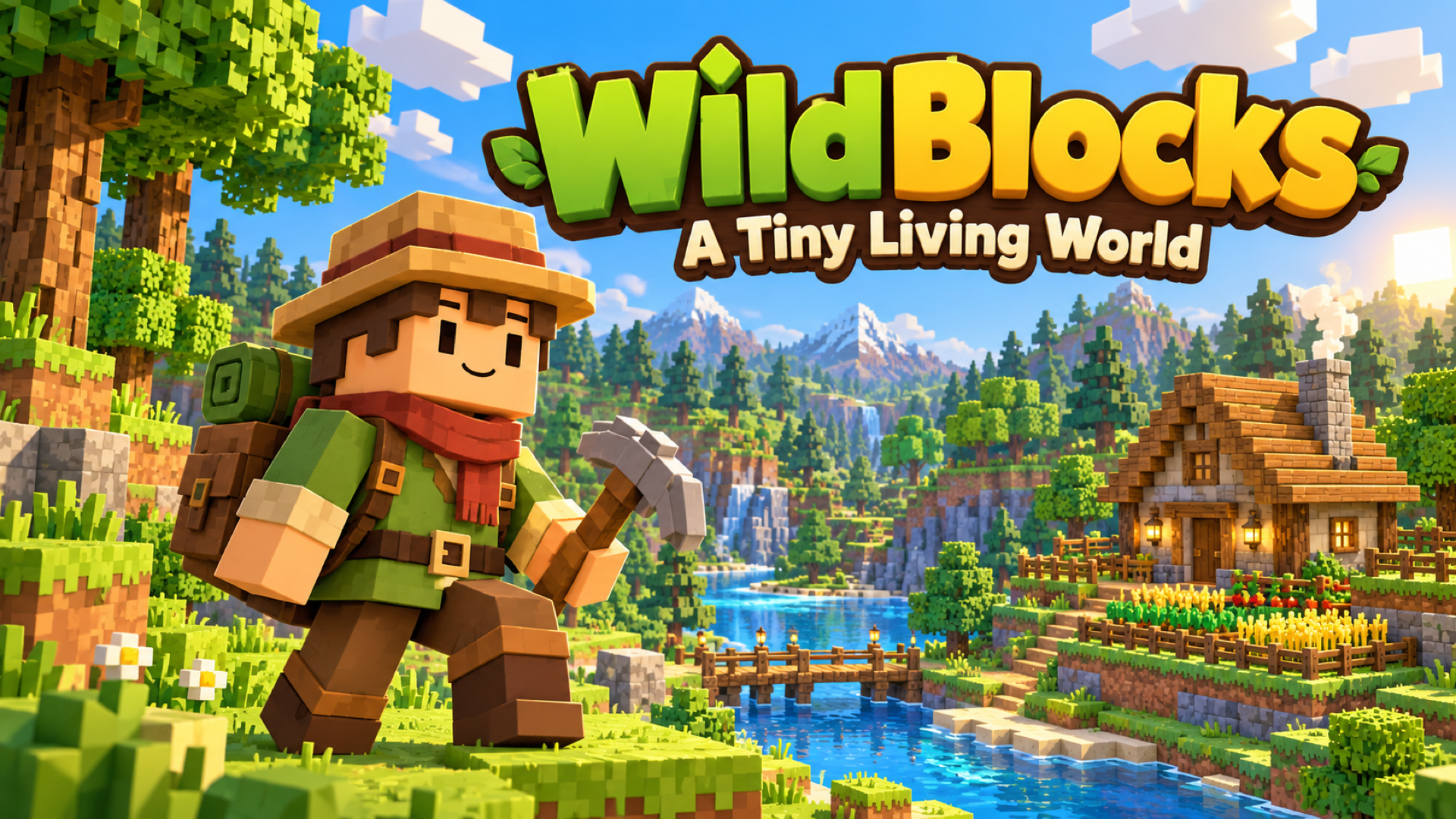
WildBlocks — A Tiny Living World
冒险游戏1
由 PlayGama 提供,游戏过程中包含广告。
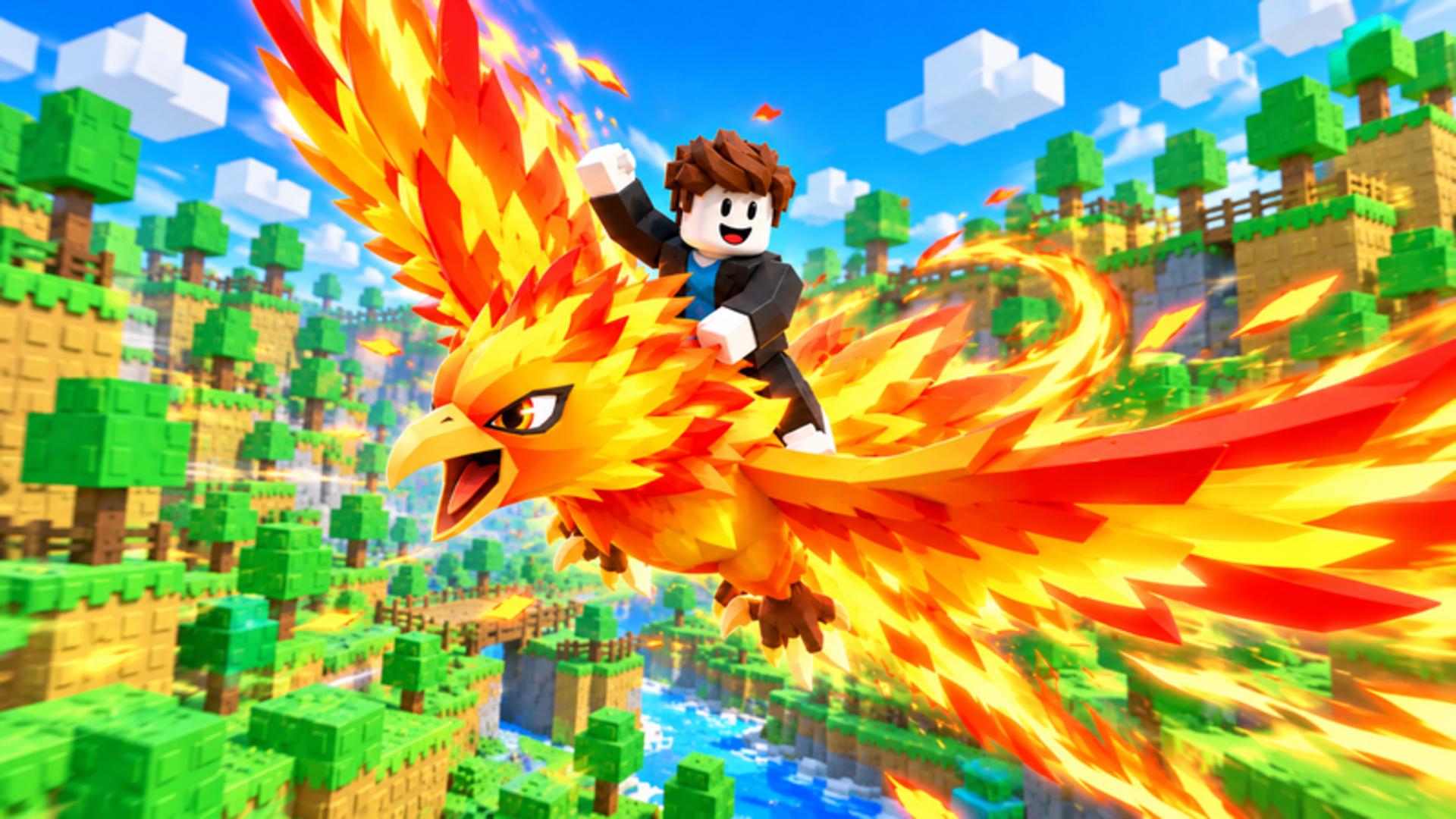


WildBlocks — A Tiny Living World
冒险游戏1 次游玩
—
游戏描述
Make a tiny living world your own in WildBlocks, a cozy voxel adventure about exploring, crafting, and building a place to call home. Wander through...
游戏属性
- 发布日期
- 2026-11-02
- 游戏语言
- English
- 使用技术
- HTML5
- 玩家人数
- 单人
- 提供方
- PlayGama
- 广告
- 有
支持平台
PCMobileWeb
适合儿童
玩法指南
游戏说明
Choose New World to start an adventure, or Build Home to create with unlimited materials. In Survival, follow the starting quests, gather wood and other resources, then open the Backpack and Recipe Book to craft tools and useful items. Build a shelter, plant crops, prepare food, and explore to improve your Homestead. Aim at objects to use them, and keep your favorite tools in the hotbar. Desktop: Move with WASD and look around with the mouse. Press Space to jump, Shift to sprint, and Ctrl or C to crouch. Hold the left mouse button to chop, mine, or attack. Use the right mouse button to place blocks or use the item you are holding. Press F to interact, E for the Backpack and Recipe Book, J for the Journal, M for the map, and Esc for the pause menu. Select hotbar items with 1–9 or the mouse wheel. Click the game view to capture the mouse when prompted. Phone or tablet: Turn your device to landscape. Move with the left joystick and drag the right side of the screen to look around. Tap the screen to use the selected item, and press and hold to break blocks. Use the onscreen buttons for jumping, placing, interacting, and opening the Backpack. Tap hotbar slots to select items. The in-game How to Play guide explains the touch controls and each mode. Build Home: Open the catalog with B, choose a material or object, and use the building tools to place and shape your home. R rotates, X selects the remove tool, and Ctrl+Z / Ctrl+Y undo and redo. On touch devices, use the tool drawer and onscreen actions. Open How to Play for the complete building guide. Use Save & Quit to Menu when you finish a session. Choose **Continue** or select a saved world to return. Multiplayer requires an internet connection; create or join a room and share its code with friends. Desktop controls reference | Action | Default control | | --- | --- | | Move / look | WASD / mouse | | Jump / sprint / crouch | Space / Shift / Ctrl or C | | Chop, mine, break, or attack | Hold left mouse button | | Place a block or use held item | Right mouse button | | Interact with objects and creatures | F | | Backpack and Recipe Book | E | | Select hotbar item | 1–9 or mouse wheel | | Journal / map | J / M | | First / third-person view | V | | Free cursor / return to mouse-look | Backtick | | Pause menu | Esc | These are the default bindings. Players can change supported bindings in Settings → Controls. Build Home and Deathmatch also have mode-specific controls in the in-game guide.
常见问题
如何玩WildBlocks — A Tiny Living World?
WildBlocks — A Tiny Living World是一款adventure游戏,可以直接在浏览器中玩。只需等待游戏加载完成,然后按照屏幕上的指示开始游戏。大多数游戏使用键盘方向键和空格键或鼠标控制。
WildBlocks — A Tiny Living World是免费的吗?
是的,PlayNoDownload上的所有游戏都是完全免费的。没有隐藏费用或订阅要求。
我可以保存游戏进度吗?
大多数浏览器游戏会使用浏览器的本地存储自动保存您的进度。为了获得最佳体验,我们建议使用同一设备和浏览器来保持进度。
请登录后发表评论